

Variable Grid |  |
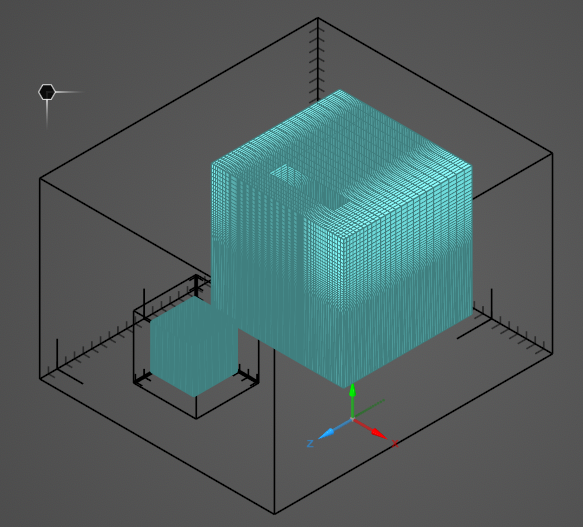
In certain cases, finer resolution may be desired in only part of the parent simulation domain. In that case, a second, smaller, nested domain can be created within the parent domain to mesh at finer resolution. A variable grid differs from a subgrid in that only one simulation is performed and the lattice spacing within the parent domain expands in size outward from the finer resolution variable grid location rather than having a hard jump in spacing as with a subgrid. See here for more technical information.
At this time, variable grids are incompatible with MHARNESS cables.
 Instructions
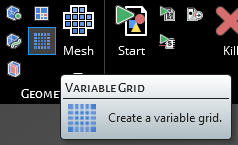
Click
 Variable Grid within the Simulation section under the EMA3D tab in the ribbon.
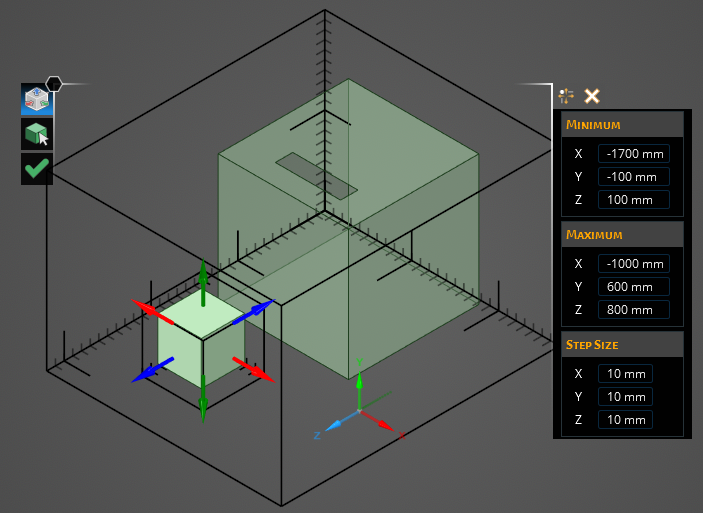
In the Properties Panel, adjust the variable grid properties as desired.
Use any of the Select Geometry tool, the drag arrows that appear onscreen, or the Maximum and Minimum Boundsin the Properties Panel to set the region for the variable grid. The variable grid must exist entirely within the main domain.
Click OK
 to complete the variable grid definition.
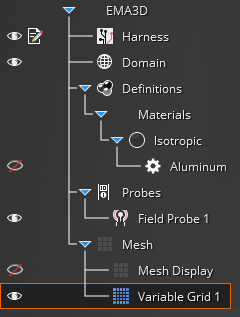
Adjust the definitions of the variable grid at any time by right clicking it within the Simulation Tree and selecting Edit from the pop-up menu.
 Box Select
Entry | Meaning |
|---|---|
Box Selection | Enable or disable box selection. |
MinimumEntry | Meaning |
|---|---|
X | Min X location of the variable grid domain. |
Y | Min Y location of the variable grid domain. |
Z | Min Z location of the variable grid domain. |
MaximumEntry | Meaning |
|---|---|
X | Max X location of the variable grid domain. |
Y | Max Y location of the variable grid domain. |
Z | Max Z location of the variable grid domain. |
Step SizeEntry | Meaning |
|---|---|
Enable X Axis | Impose step size in X direction. |
X | X direction lattice size. |
Enable Y Axis | Impose step size in Y direction. |
Y | Y direction lattice size. |
Enable Z Axis | Impose step size in Z direction. |
Z | Z direction lattice size. |
PriorityEntry | Meaning |
|---|---|
Edit Priority | --- |
See AlsoEMA3D – © 2026 EMA, Inc. Unauthorized use, distribution, or duplication is prohibited.