

Inspect Mesh |  |
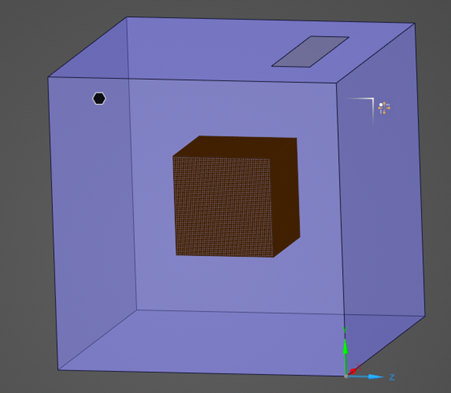
The inspect mesh tool allows users to individually select different model components to visually inspect their associated mesh.
There are three ways to inspect a mesh, using:
Inspect Mesh Tool
Inspect Mesh by Component
Inspect Mesh by Material
 Instructions
The first method involves using the Inspect Mesh Tool.
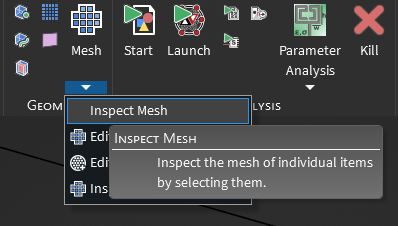
Click the drop-down arrow beneath the
 Mesh button and select Inspect Mesh.
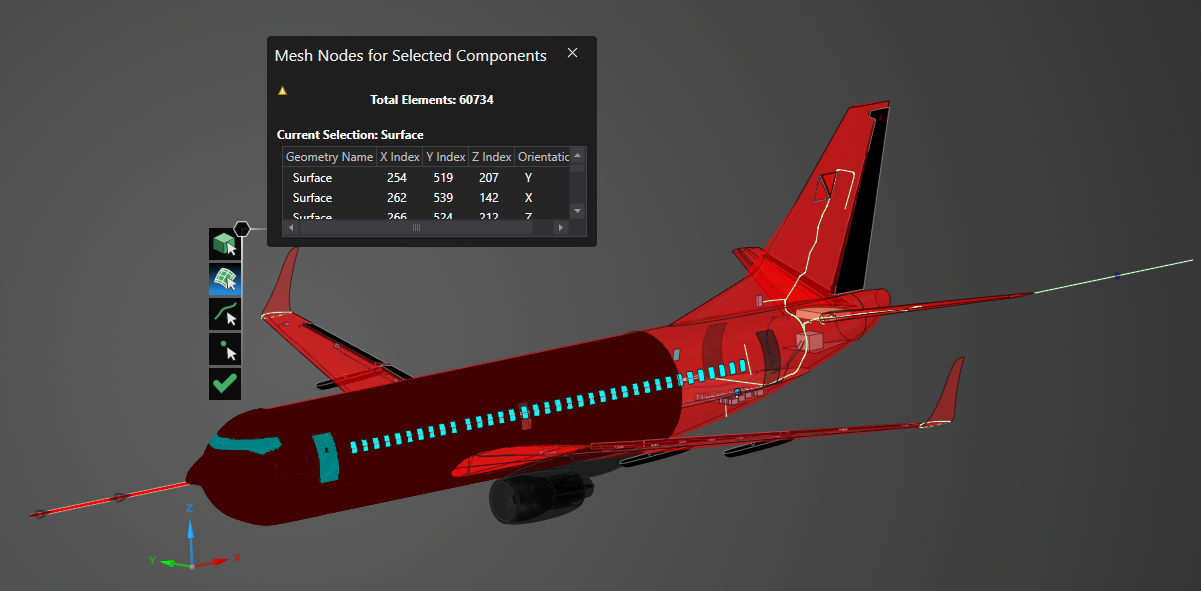
Choose the appropriate selection tool (body
 , surface
 , line
 , or point
 ) for the geometry.
Click on geometry in the model to view its mesh. Hold down the CTRL key while selecting to view the mesh of several items at once. To switch selection tool types while maintaining the current mesh, release the CTRL key, select the new tool, and then hold CTRL again while making a new selection on the model.
Click OK
 to close the tool.

The second method uses the Inspecting the Mesh by Component button
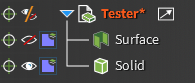
Navigate to the Structure Tree of the model.
Alter the visibility to only show the component whose mesh will be visualized.
Navigate to the Mesh Display in the Simulation Tree of the model.
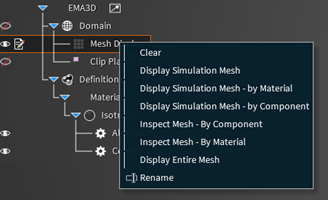
Right click the Mesh Display and select “Display Simulation Mesh - by Component”.
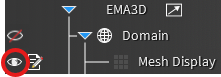
Once the mesh has been generated, visualize the Mesh Display by selecting the Eye Icon.
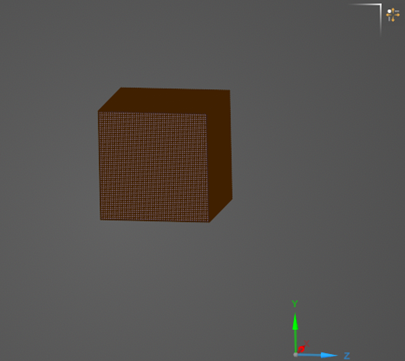
The mesh for the individual selected component should now be visible.
To inspect the mesh of a specific component, navigate back to the Mesh Display in the Simulation Tree.
Right click the Mesh Display and select “Inspect Mesh – by Component”.
The third method uses the Inspecting the Mesh by Material button
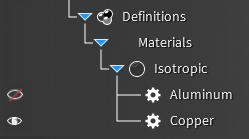
Navigate to the Materials under the Simulation Tree of the model.
Alter the visibility to only show the material whose mesh will be visualized.
Navigate to the Mesh Display in the Simulation Tree of the model.
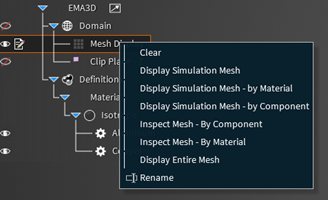
Right click the Mesh Display and select “Display Simulation Mesh - by Material”.
Once the mesh has been generated, visualize the Mesh Display by selecting the Eye Icon.
The mesh for the individual selected material should now be visible.
To inspect the mesh of a specific material, navigate back to the Mesh Display in the Simulation Tree.
Right click the Mesh Display and select “Inspect Mesh – by Material”.
See AlsoEMA3D – © 2026 EMA, Inc. Unauthorized use, distribution, or duplication is prohibited.