

Kill |  |
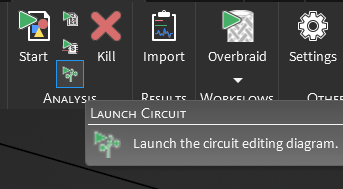
MHARNESS allows users to kill all currently running simulations. The Kill  button is the same in both the EMA3D and MHARNESS panels, and users may select it under either tab.
 Kill all simulations
Under the MHARNESS tab in the ribbon, click the Kill
button within the Analysis section.
MHARNESS will immediately kill all currently running simulations.
See AlsoEMA3D - © 2026 EMA, Inc. Unauthorized use, distribution, or duplication is prohibited.