

Import |  |
It is possible to import the results of previous EMA3D and/or MHARNESS simulations.
 Instructions
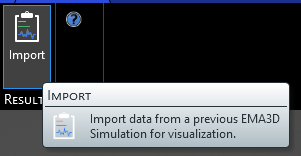
Click Import
 under either the EMA3D or MHARNESS tab in the ribbon.
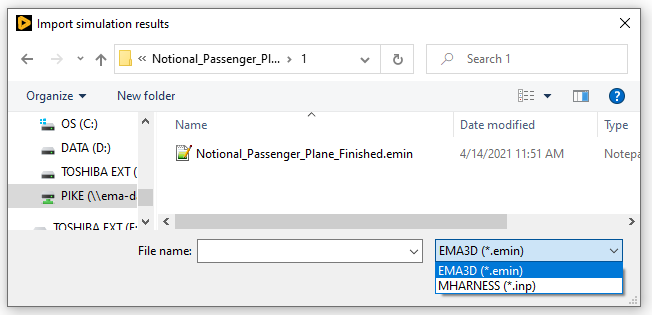
Navigate to the folder containing the simulation results to be loaded, and select the .emin (EMA3D) or .inp (MHARNESS) file.
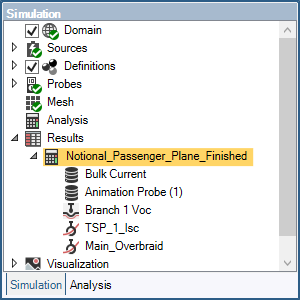
The results will load and be nested in the Simulation Tree under Results.
EMA3D – © 2026 EMA, Inc. Unauthorized use, distribution, or duplication is prohibited.